Drop a long report into a chat, ask about one small detail, and the answer can still be wrong. This video explains why, and what to do about it.
It covers what the context window actually holds, why a PDF takes up far more room than the same words typed out, and the part most people miss: every reply starts again at the top and takes in the whole chat. It ends with three habits that keep the window clear, including switching off MCP servers you aren’t using.
Figures are for Claude’s paid plans, checked in September 2026. This is an independent explainer, not affiliated with Anthropic.
Transcript
You drop a long report into a chat and ask about one small detail. The whole report fits, and the answer can still get it wrong. That's down to the context window.
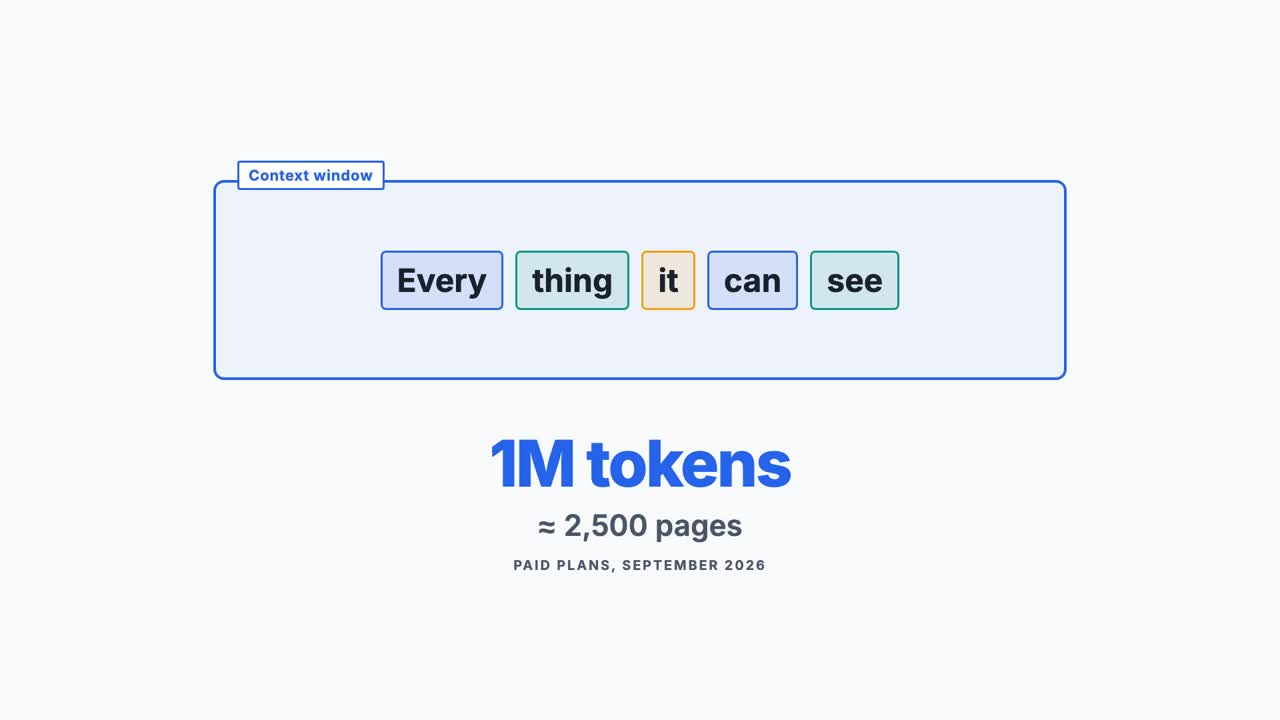
AI reads text in tokens. The context window is every token it can see while it writes a reply. On paid plans, it holds up to a million tokens, about two and a half thousand pages. Sounds like plenty, doesn't it?
Then you add a couple of long PDFs, a few screenshots, a web search and a morning of chat. It fills up faster than you'd think. How heavy a PDF is depends on the app. For a PDF of up to a hundred pages, Claude reads the text and also looks at every page as a picture. So each page can take far more room than the same words typed out.
Each reply has two sides. Input is everything sent in: your new message, plus the whole chat before it. Output is what it writes back, and that includes any thinking it does first.
Here's the catch. Every reply starts again at the top and takes in the whole conversation. It's like a colleague who rereads the entire email thread, with every attachment, before answering each new email. The difference is that a colleague remembers. The AI only has the thread.
So say you've sent twenty messages. How many times has your first one been read?
Twenty times. Every reply reads it again. That's why long chats get slower and use more of your allowance. When the thread gets too long, the oldest messages are swapped for a short summary. That frees up room to keep going. You still see the whole thread, but the AI is working from the summary, so early detail can go missing.
And a bigger window isn't always better. Anthropic's own documentation says accuracy drops as the token count grows. A 2023 study found that details in the middle of a long input were the easiest to miss. Like that one detail in your report.
So be choosy. If it's only the words that matter, copy in the section you need. Keep the PDF when the charts or tables do the talking.
You'd start a fresh email thread for a new topic. Do the same with chats. Connectors, like last video's MCP servers, take up room too, so switch off the ones you're not using. And for a big pile of documents, a project on a paid plan can search them instead of reading the lot.
The context window is everything it can see at once. Every reply reads the whole thread again. So don't give it everything. Give it what matters.