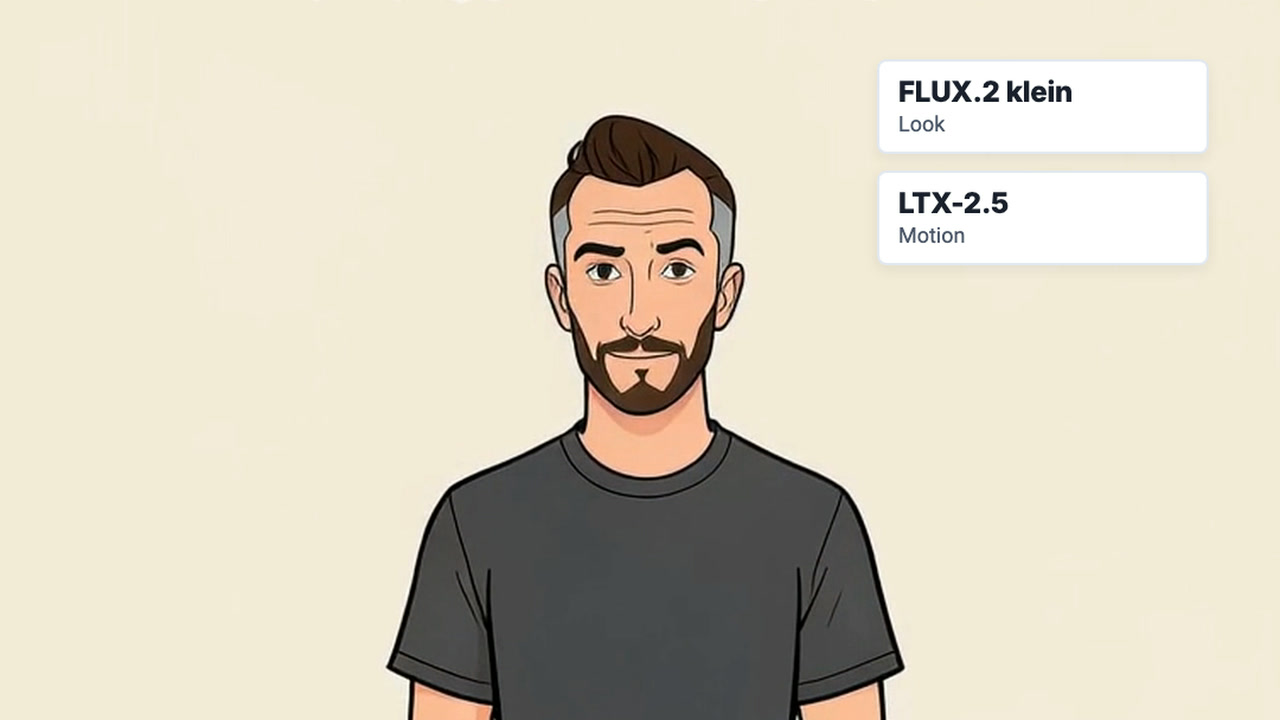
I wanted to see what one Mac and a Claude licence could make on their own, with no cloud GPUs and no paid APIs. The answer is the video above: an animated me, talking in my own voice, made at home. Claude wrote and ran the scripts. The Mac did the rest.
The video is the result. This page is the how, in the order the video tells it, with every tool and the real numbers from the run. Everything here was true in November 2026; the models move fast, so check their pages before you copy a setting.
What you need
- A Mac with 64 GB of memory. Mine is a second-hand Mac Studio with the M1 Max. The video step peaks at about 31 GB for one clip and about 29.5 GB when the whole thing renders, so 32 GB won’t do it with anything else open.
- A Claude licence. Claude Code wrote the scripts, ran the trials and logged every result. Four scripts do the work: one makes the voice lines, one makes the shots, one holds the legs still, one puts the talk together.
- A reference recording of your voice. Mine is a 27 second clip cut from the Learn videos I already record, with a word for word transcript beside it.
- A photo to turn into the still. The model never sees the photo again after that.
The tools
| Step | Tool | What it does |
|---|---|---|
| Look | mflux with FLUX.2 klein 4B | Turns a photo into a styled still |
| Props | mflux with ERNIE Image Turbo, then rembg | Draws a prop and cuts it out to place in a scene |
| Motion | LTX-2.5, int8, through ltx-2-mlx | Animates the still, and the mouth to the voice |
| Voice | Qwen3-TTS 1.7B, 8-bit, through mlx-audio | Clones my voice for every new line |
| Checks | mlx-whisper, librosa, Resemblyzer | Right words, right pitch, still sounds like me |
| Assembly | Python (Pillow, NumPy, SciPy) and ffmpeg | Captions, headlines, the mix |
| Housekeeping | uv | Keeps each toolchain in its own Python environment |
MLX is Apple’s machine learning framework. It talks to the Mac’s GPU directly, which is why everything here runs at a usable speed on a machine that isn’t a graphics card.
The look: it starts with a still
FLUX.2 klein in edit mode takes the photo and gives it a style. One styled still takes about 55 seconds and peaks at about 28 GB. I tried nine styles: flat 2D, comic, anime, pencil, watercolour, paper craft, claymation, 3D feature film and 3D toy. The flat cartoon won because it survives the next step best. A second edit of the same still changes only the expression, which gives a clip its last frame.
The rule everything else hangs on
The image model owns the look and the video model owns the motion. I learned that by getting it wrong. A raw photo fed to the video model with “flat 2D cartoon” in the prompt stayed a photograph for every frame. A styled still kept its style for the whole clip. So the look is settled first, as a still, and the video model is only asked to move it. The still is pinned as the clip’s first and last frame, which is also what lets the clips join without a jump.
My voice
The recordings I make for the Learn videos are the base. One 27 second clip and its transcript go to Qwen3-TTS, which clones the voice in context, so every new line sounds like me without me recording it. A line takes 3 to 12 seconds to make and 5 to 11 GB of memory.
Each line is made three times, and a script keeps the take that sounds most like me. Three checks run on every take. mlx-whisper confirms the right words were said and gives the timing of every word. librosa tracks the pitch to catch Qwen3’s habit of ending a statement like a question. Resemblyzer scores how close the take is to my real voice, where anything above 0.80 counts as the same speaker; the takes that made it into the video scored 0.87 to 0.89.
Putting it together
1. The voice always comes first. The finished line is what everything else is timed to.
2. Animate the mouth to it. LTX’s audio-to-video mode takes the still and the finished line and animates the mouth to it. A second detailing pass at full resolution shapes the mouth on every syllable and closes it when the line ends, at no extra time. Then the clean voice track goes back over the video, replacing the audio the model makes.
3. Add the words in code. Headlines, speech bubbles and captions are drawn by Python and laid over the video, never generated by the model, so they’re spelt right. Whisper’s word timings make each one land on its word.
4. Mix. ffmpeg evens out the loudness, mixes the lines and lays a quiet room tone underneath so the gaps aren’t dead silence.
The drawings beside the animated me in the video above were added afterwards by a separate tool, the same one that makes my Learn videos. That part is code too: each card lands on the word that names it.
How long it takes
| Step | Time | Peak memory |
|---|---|---|
| One styled still | About 55 seconds | About 28 GB |
| One voice line | 3 to 12 seconds | 5 to 11 GB |
| One 4-second clip at 768×960 | 7 to 8 minutes | About 31 GB |
| The nine shots of the video above, rendered | 6 hours 9 minutes | About 29.5 GB |
| My time, start to finish | TBC |
What didn’t work
- Full-precision LTX peaked at 45 to 48 GB, too much for a machine that runs everything else too. The int8 weights fit.
- FP8 checkpoints don’t run on Apple’s GPU at all.
- ComfyUI on a Mac gave broken frames for LTX.
- Pinned gesture poses made the body move in a stiff pose, hold, pose, hold.
- Asking the video model for a cartoon gave a photograph that moves. That is the rule above, learned the hard way.
Every run is logged, failures included, with its seed, settings, time and peak memory. That’s about 120 runs so far.
What’s next
The body still moves stiffly. The next take drives gestures from the prompt instead of pinned poses. Wan 2.2 is the next video model to try against LTX. And the drawings beside the animated me could be made by the same scripts, so one Mac really does do all of it.