Collection · 6 videos · 14 min
AI Tools Explained
The features in the AI tools you already use, explained one idea at a time: what MCP connects, why a long chat forgets, what a skill is, why caching matters, and what makes an agent an agent.
Each video stands on its own, so start with whichever one you've been wondering about. Two to three minutes each, and no jargon left unexplained.
-
 1:54
1:54 What MCP actually is
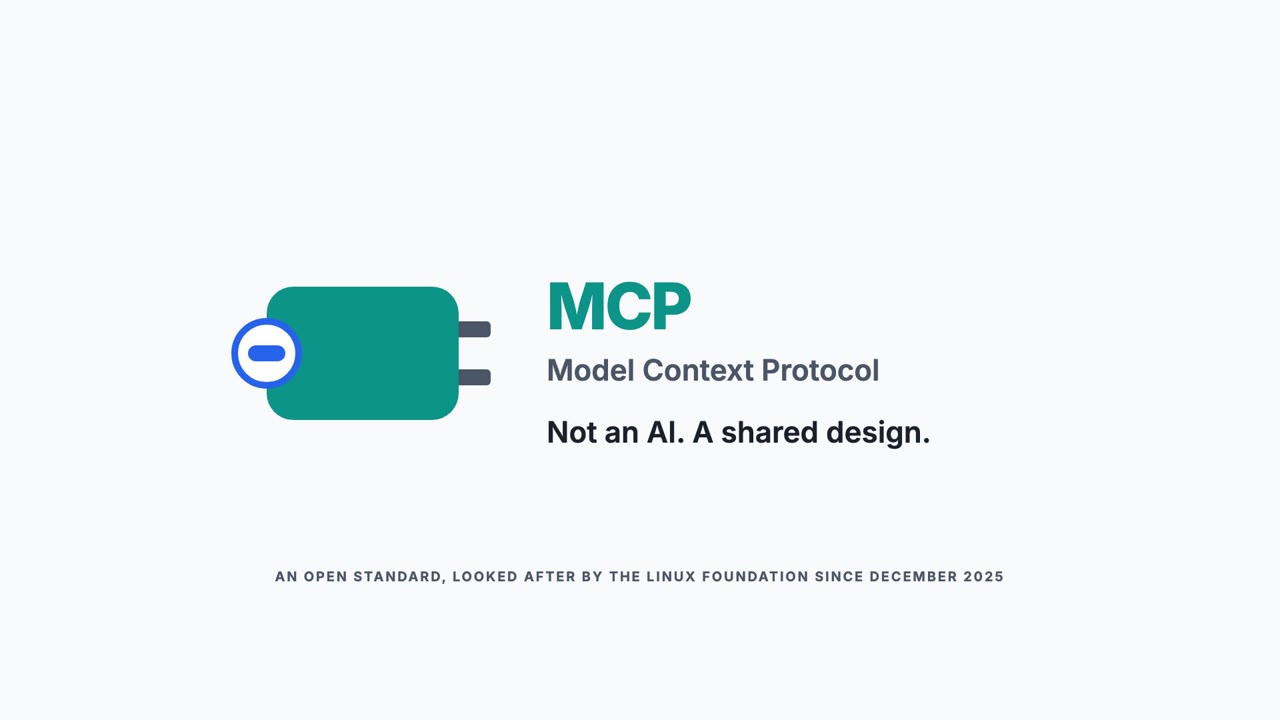
Every service has its own way in, and each one is a different shape. MCP is one travel adaptor for AI: it fits each service, tells the AI in plain words what it can do, and you decide what gets plugged in.
-
 2:40
2:40 Context windows explained
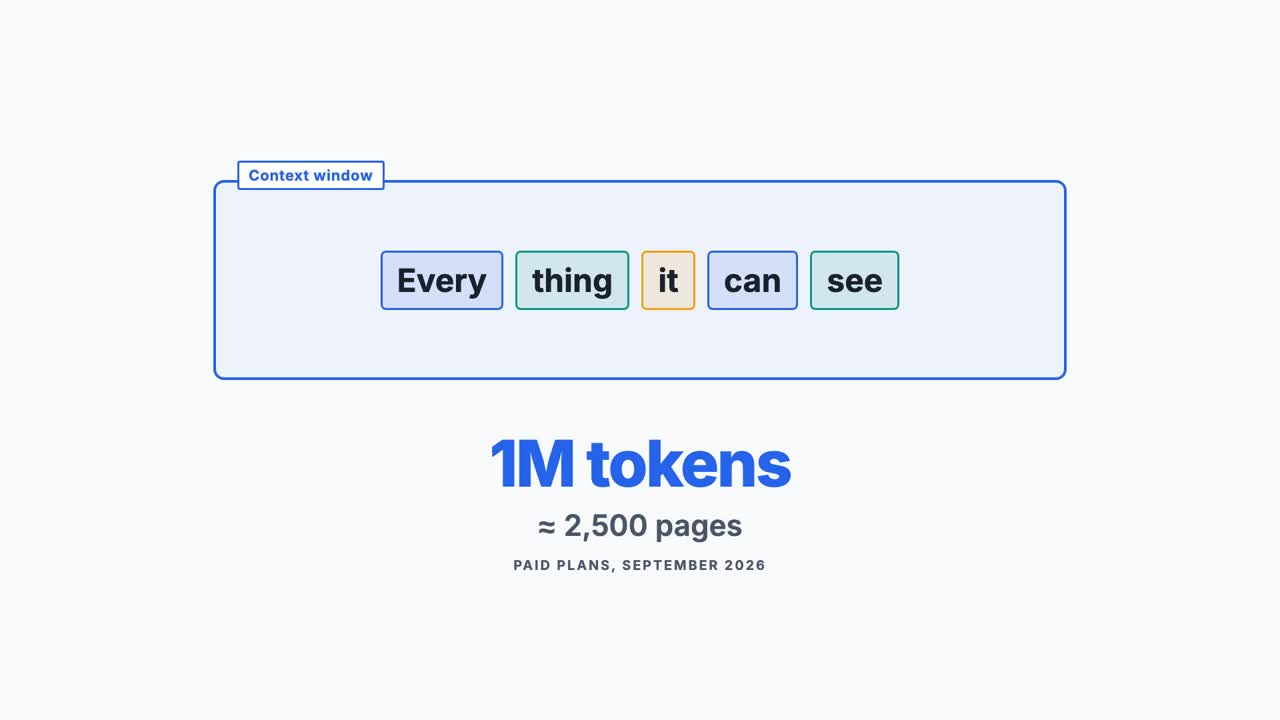
Everything an AI can see while it writes a reply is its context window. Every reply takes in the whole chat again, PDFs take up far more room than they look, and a bigger window isn't always better.
-
 2:47
2:47 Skills explained
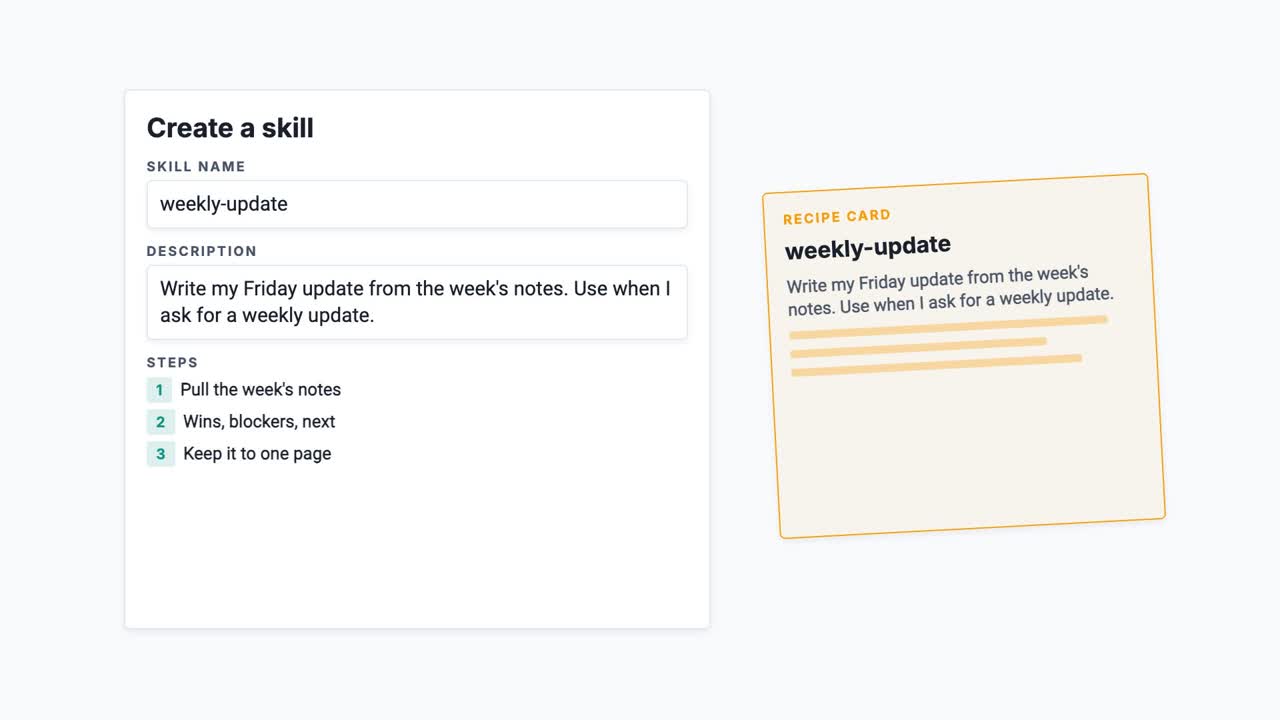
A skill is your steps, saved once, in a folder the AI picks up whenever the job matches. It costs almost nothing until it's needed, it can be shared and version controlled, and it's an open standard that works across tools.
-
 2:15
2:15 Skills in depth
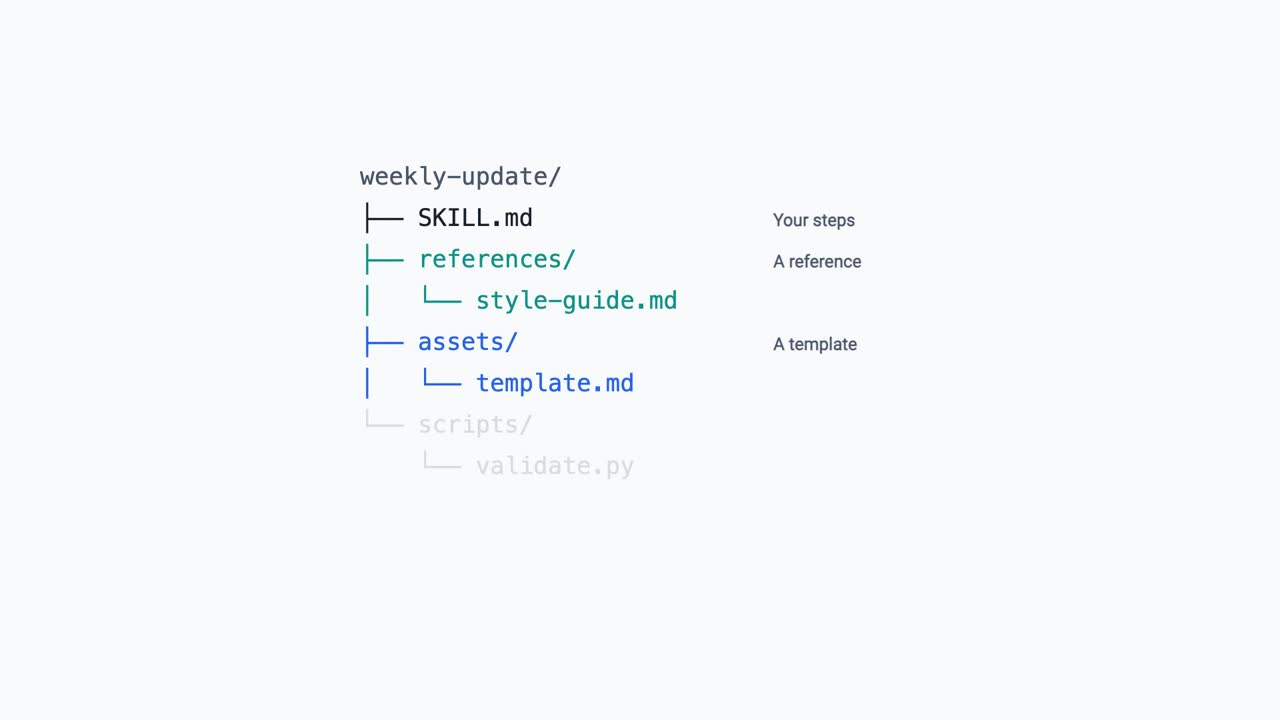
A skill is a folder, so it can carry more than instructions. Reference documents, templates and scripts travel with the steps, none of it costs anything until it is used, and a skill with code in it is closer to software than to a message.
-
 1:58
1:58 Caching explained
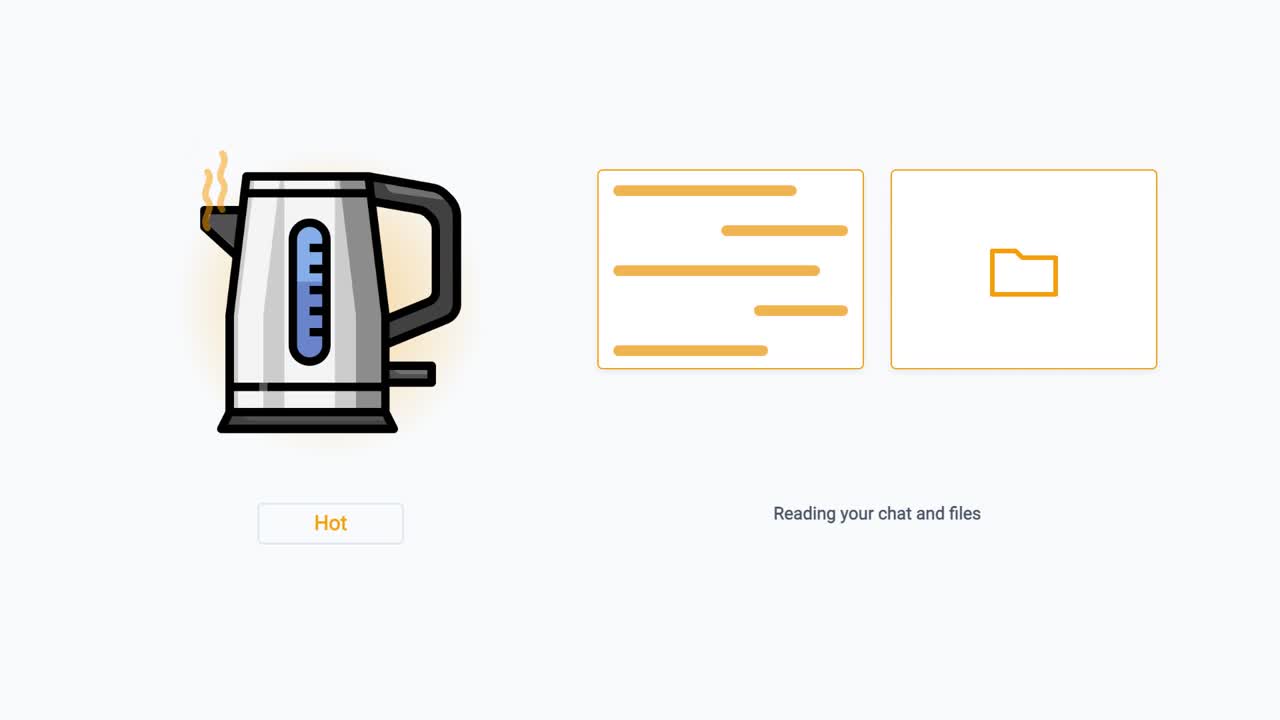
Claude has to read the whole conversation before every reply, yet keeping a chat going doesn't drain your allowance the way you'd expect. That's caching. It keeps the work warm for a few minutes. It doesn't give a chat any more room.
-
 2:04
2:04 Prompt or agent?
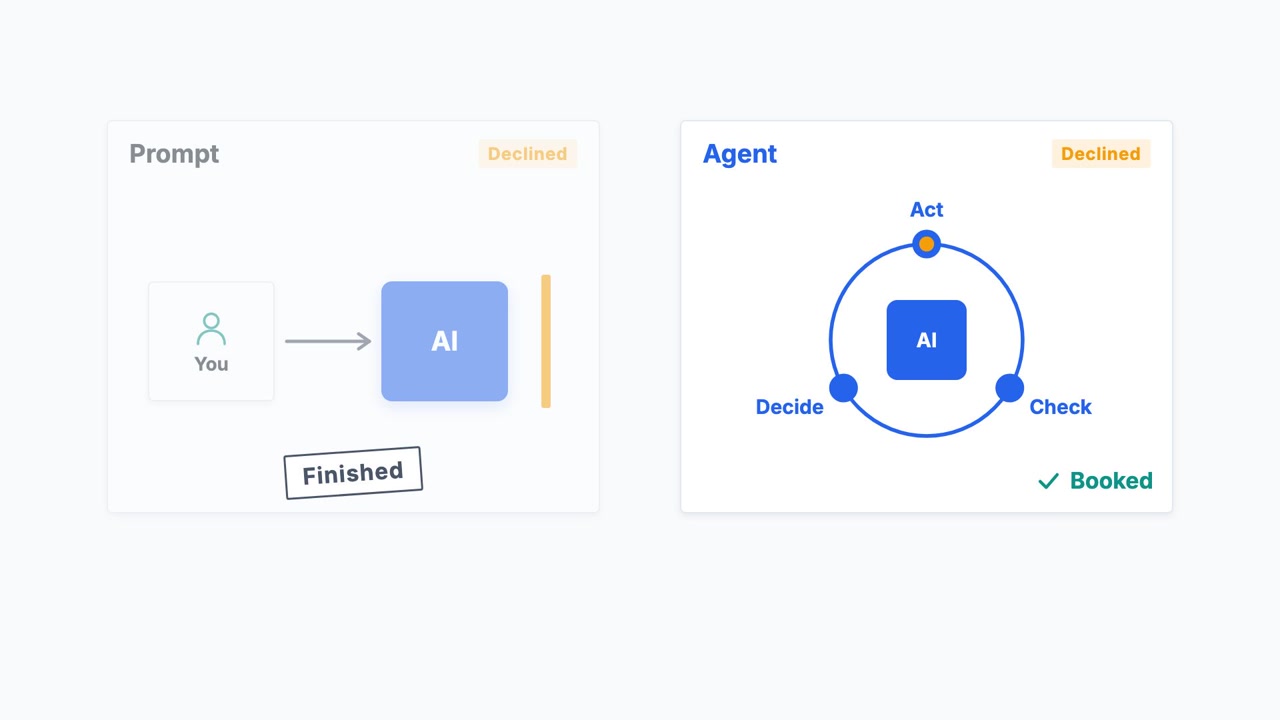
Almost anything an AI does now gets called an agent. A prompt answers once and stops. An agent keeps going until the job is done. This is the difference, shown on one meeting that needs booking.