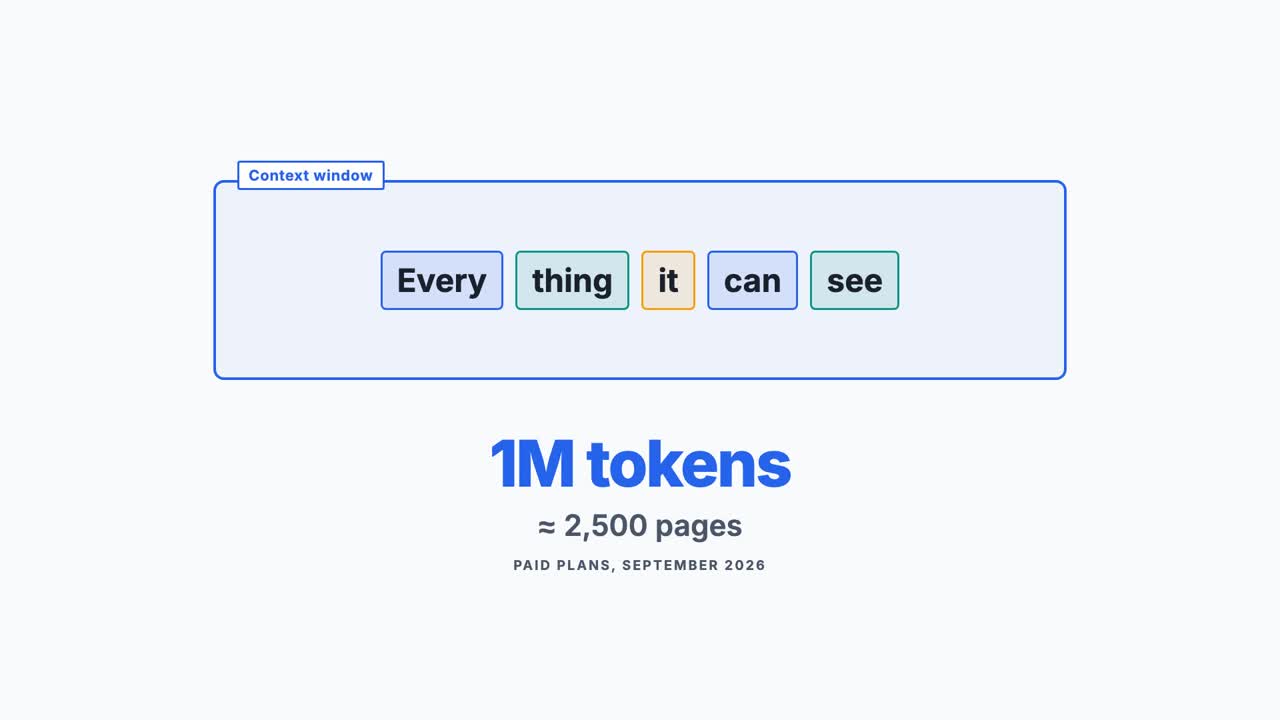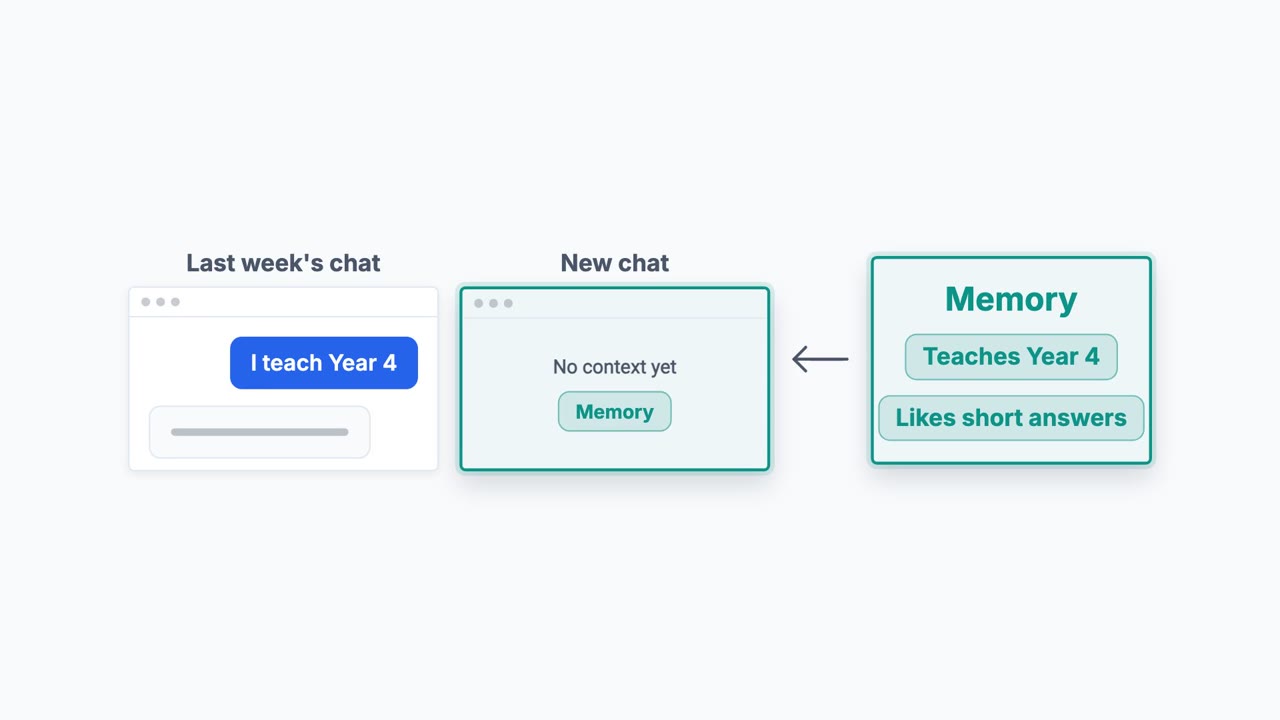
Context and memory are two different things. Context is the conversation you’re in, which the AI reads again in full for every answer, and it has a limit. Memory is a set of details about you that the app saves between conversations, and you can check it in the settings.
Context
The conversation you're in
- Your messages, your files and the answers so far
- Read again in full for every answer
- Has a limit, so early messages can drop out
- A new chat starts with none
Memory
What the app saves about you
- Details kept between conversations
- A new chat still has it
- You can switch it off in the settings
- ChatGPT, Claude and Copilot list what's saved
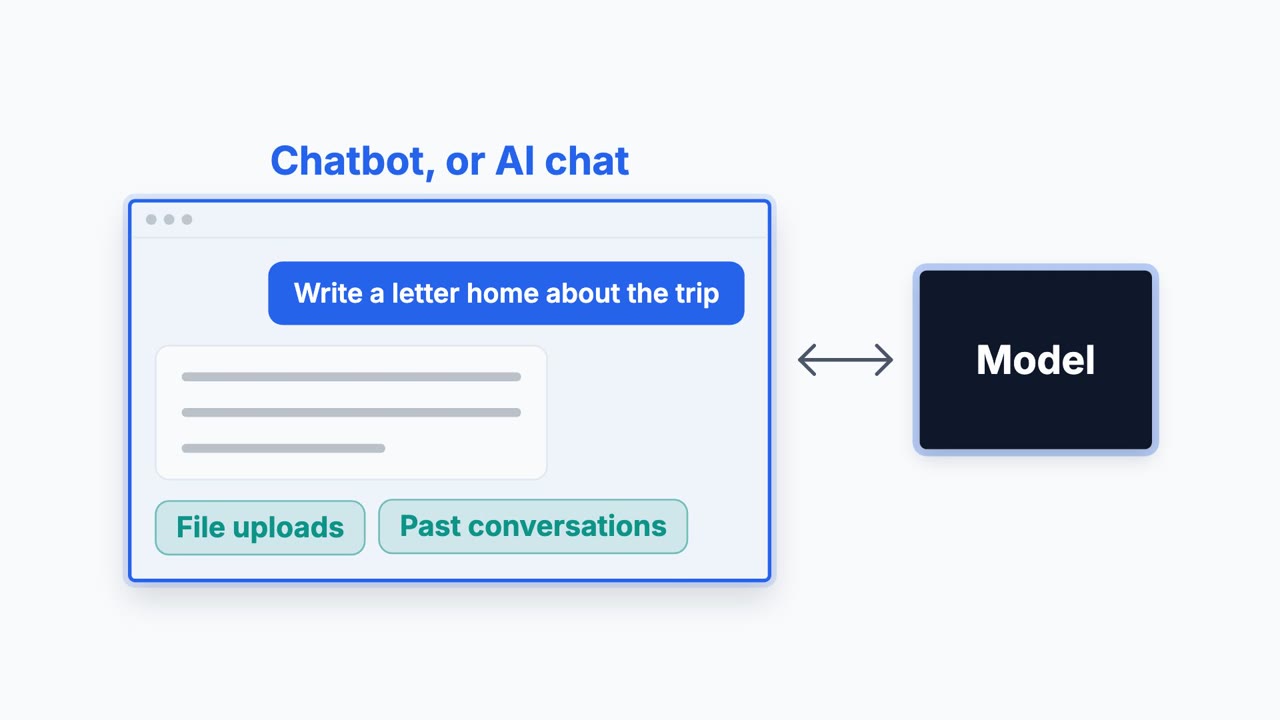
Context is everything in the current chat: your messages, any files you’ve added and the answers so far. The model doesn’t hold on to the conversation between replies, so the app sends the whole thing again each time. There’s a limit to how much it can take in at once, so in a very long chat the earliest messages can be dropped or summarised, and a rule you set at the start can stop shaping the answers. Context windows explained goes into the limit in more detail.
Memory sits outside any one conversation. A new chat starts with no context at all, but it still has your memory. ChatGPT, Claude, Gemini and Copilot all offer memory, and each lets you switch it off in the settings. ChatGPT, Claude and Copilot also list what’s been saved, so you can check it and remove anything that’s wrong. There are short videos on editing what Claude remembers and ChatGPT’s memory summary.
The facts come from Anthropic and OpenAI’s developer docs on context windows and conversation state, and the ChatGPT, Claude, Gemini and Copilot help pages on memory, read between September and November 2026. This is an independent explainer, not affiliated with OpenAI, Anthropic, Google or Microsoft.