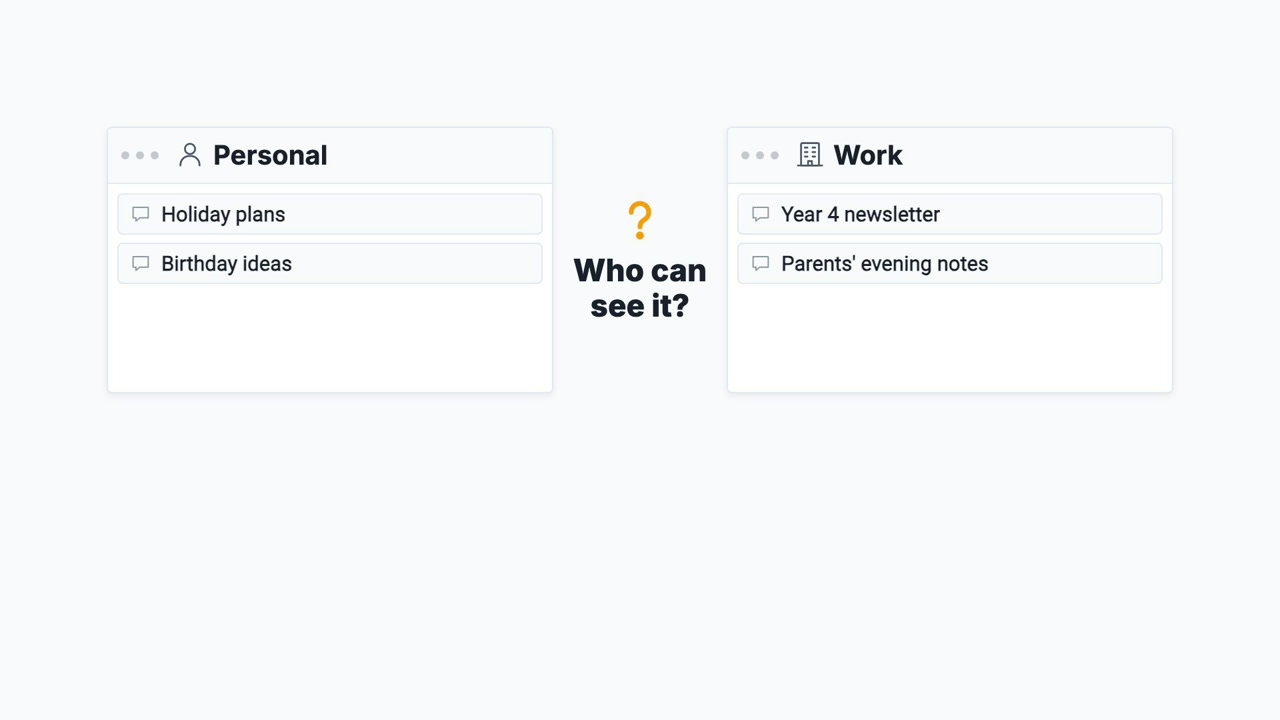
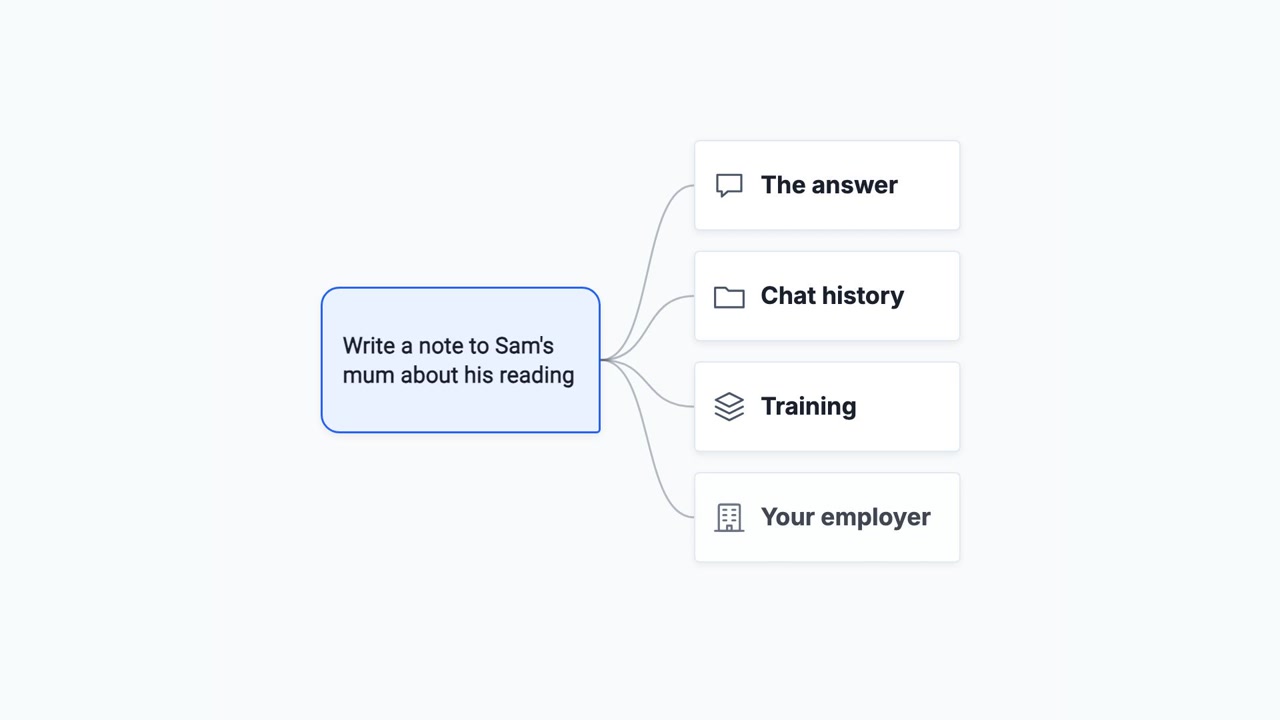
A work account and a personal account in the same AI chat can look alike, but different people can see what you type in each. Who can open your chats, what a temporary chat changes at work, what happens when you leave, and which account to use for what.
A work account and a personal account in the same AI chat can look identical, but they answer to different people. Your personal account is yours. A work account belongs to your organisation, whose admins can export the chats on it, and the chats stay with it when you leave.
Two separate accounts. ChatGPT and Claude both let a work account and a personal one share an email address and keep their chats apart. You switch between them from the account menu, and nothing typed in one shows up in the other.
Colleagues and admins. On a work account in ChatGPT or Claude, your colleagues only see a chat you choose to share. The admins who run the account are different. In ChatGPT, Claude, Gemini and Copilot they can export the chats on it, yours included. Where your data goes covers the rest of what happens to a sentence you type.
Temporary chats. A temporary or incognito chat stays out of your history, and on some work plans your organisation can still get it. Claude’s work plans include incognito chats in the organisation’s export, and ChatGPT Enterprise keeps temporary chats available to the organisation for thirty days.
Leaving. When you leave a job, the chats stay with the organisation, and on ChatGPT and Claude you need its permission to take a copy. Moving your personal chats into a work account can’t be undone on either.
The rule. Let whose material it is choose the account. Work material goes in the work account and never in a personal one, and your own things go in your own.
The facts come from OpenAI’s and Anthropic’s help centres, read on 14 November 2026, and from Google’s page on keeping Gemini chats with Vault and Microsoft’s page on Purview for Copilot, read on 13 November 2026. This is an independent explainer, not affiliated with OpenAI, Anthropic, Google or Microsoft.
The line to keepMatch the account to whose work it is, and treat the work account as one your organisation can open.
You might use one AI chat with a work account and a personal account. On screen, the two can look almost identical. What differs is who else can read your conversations.
The two accounts stay apart, even when they share one email address. ChatGPT and Claude both keep each account's chats separate, and you switch between them from the account menu. Nothing you type in one account appears in the other account's history.
On your own account, the chats are yours, and so are the settings. No colleague or manager can open your chats, unless you share the conversation.
A work account belongs to your organisation, but your chats aren't on show to everyone there. In ChatGPT and Claude, your colleagues only see the chats you've chosen to share with the team.
The admins who run the account for your organisation are a different matter. In ChatGPT, Claude, Gemini and Copilot, they can export the chats on a work account, your own included.
Say you open a temporary chat on your work account, so it stays out of your history. Can your organisation still get a copy?
On Claude's work plans, incognito chats are included in the organisation's export. ChatGPT Enterprise keeps temporary chats available to the organisation for thirty days. A temporary chat only hides the conversation from your own history.
When you leave a job, the work account stays behind. On ChatGPT and Claude, your chats stay with your organisation, and taking a copy with you needs your organisation's permission.
Some apps offer to move your personal chats into the work account. On ChatGPT and Claude, that move can't be undone, and the chats then come under your organisation's rules.
Let whose material it is decide the account. Work material goes in the work account, where your organisation's rules apply, and never in a personal account. Your own things go in your personal account, which is yours alone.
Match the account to whose work it is, and treat the work account as one your organisation can open.
Found this useful?
Subscribe for the next one, or tell me what you want explained. I take requests.