Whatever you paste into an AI chat leaves your computer and goes to the AI company’s own computers, so the question to ask is whether the information is yours to share. Everything you might paste falls into one of three groups.
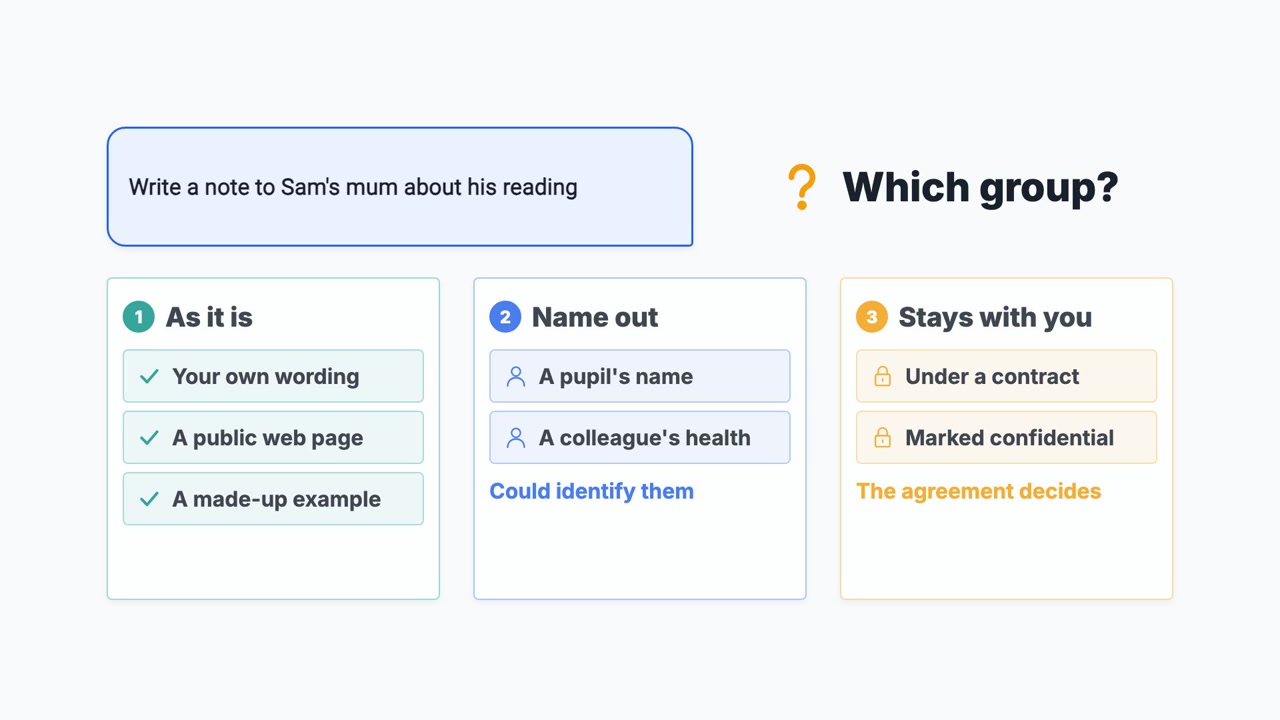
Safe as it is. Your own wording, a public web page and a made-up example can go straight in.
Take the name out. Anything about another person, such as a pupil’s name or a colleague’s health, is personal data under UK law, because it relates to a person who can be identified. The Department for Education’s guidance for schools in England says that what you enter into an AI tool shouldn’t allow a person to be identified. Usually the task is fine and only the name needs removing. A note to Sam’s mum about his reading works just as well as a note to a parent about a pupil’s reading, with Sam’s name added by you afterwards.
Stays with you. If a contract or a confidential marking covers it, that agreement decides who sees it. Google’s own privacy page for Gemini asks you not to enter confidential information you wouldn’t want a reviewer to see, because some chats are read by people. Where your data goes covers what happens to a chat once it’s sent.
Your work’s policy. If your work gives you an AI tool, read its policy once. It might allow more than this or less, and its rules take priority.
The facts come from the Department for Education’s policy paper “Generative artificial intelligence (AI) in education” (updated August 2025), the Information Commissioner’s Office page “What is personal data?” and Google’s Gemini Apps Privacy Hub, all read on 14 November 2026. This is an independent explainer, not affiliated with Google or any other AI company.
Transcript of the video
You've got an email, a report or a list you want help with, and you're not sure it should go into an AI chat. Some people paste it all in, and others give up and paste nothing. Knowing what happens to it makes the choice much easier.
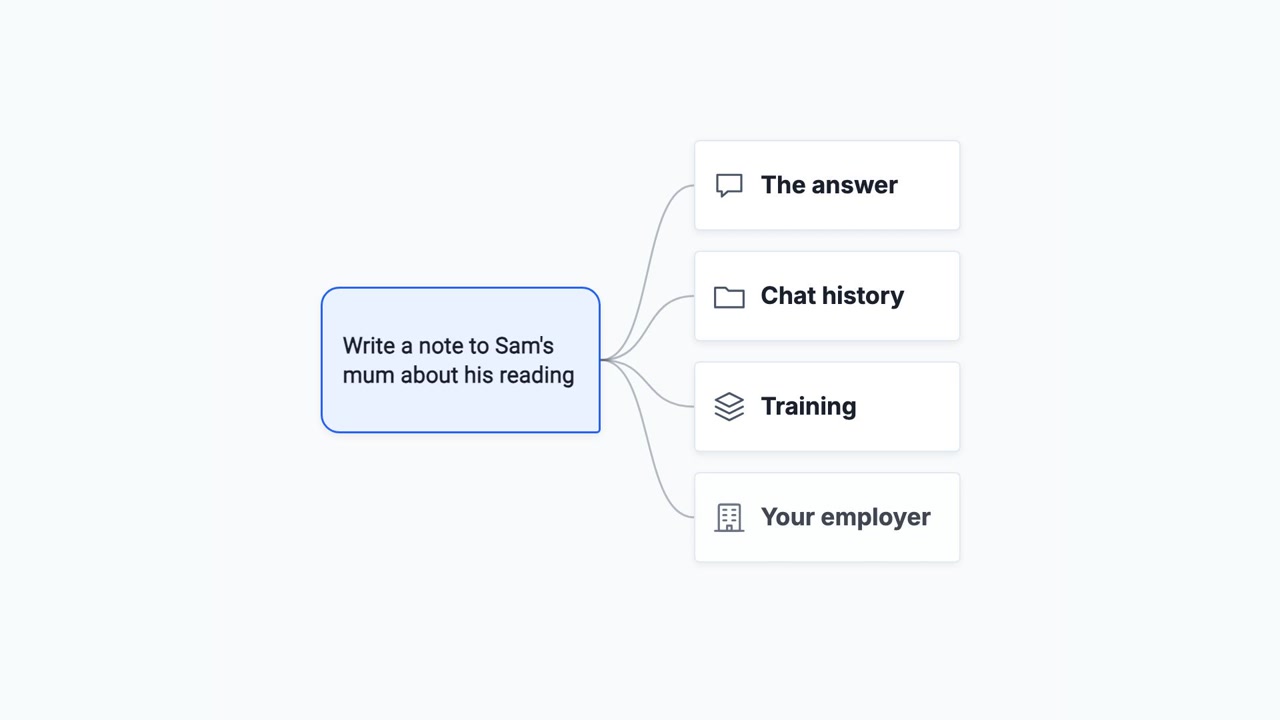
Whatever you paste leaves your computer and goes to the AI company's own computers. That's why the real question is whether the information is yours to share.
Everything you might paste falls into one of three groups. Some goes in as it is, some goes in once the names are taken out, and some should stay on your own computer.
The first group is safe as it is. Your own wording, a public web page and a made-up example are all safe to share.
The second group is anything about another person, such as a pupil's name or a colleague's health. Guidance for schools in England says nothing you enter should let someone be identified. Usually the task is fine, and only the name needs removing.
The third group stays with you. That's anything covered by a contract or marked confidential, where the agreement decides who sees it. Google's own advice for Gemini is to leave confidential information out of the chat.
Here's a request for a note to Sam's mum about his reading. Decide which group it belongs to before the answer.
It's the second group. The note itself is fine, but Sam's name identifies a pupil. Ask for a note to a parent about a pupil's reading, then add Sam's name yourself afterwards.
If your work gives you an AI tool, read its policy once. It might allow more than this, or less, and its rules take priority.
Your own words and public information can go in as they are. Anything about another person goes in without the name, and anything confidential stays out of the chat.